Reporting and intelligence
Explore authorised data without losing transaction context.
- Charts and tables
- Filters and search
- Saved views
- Period, entity and location comparison
- Export and scheduled reports
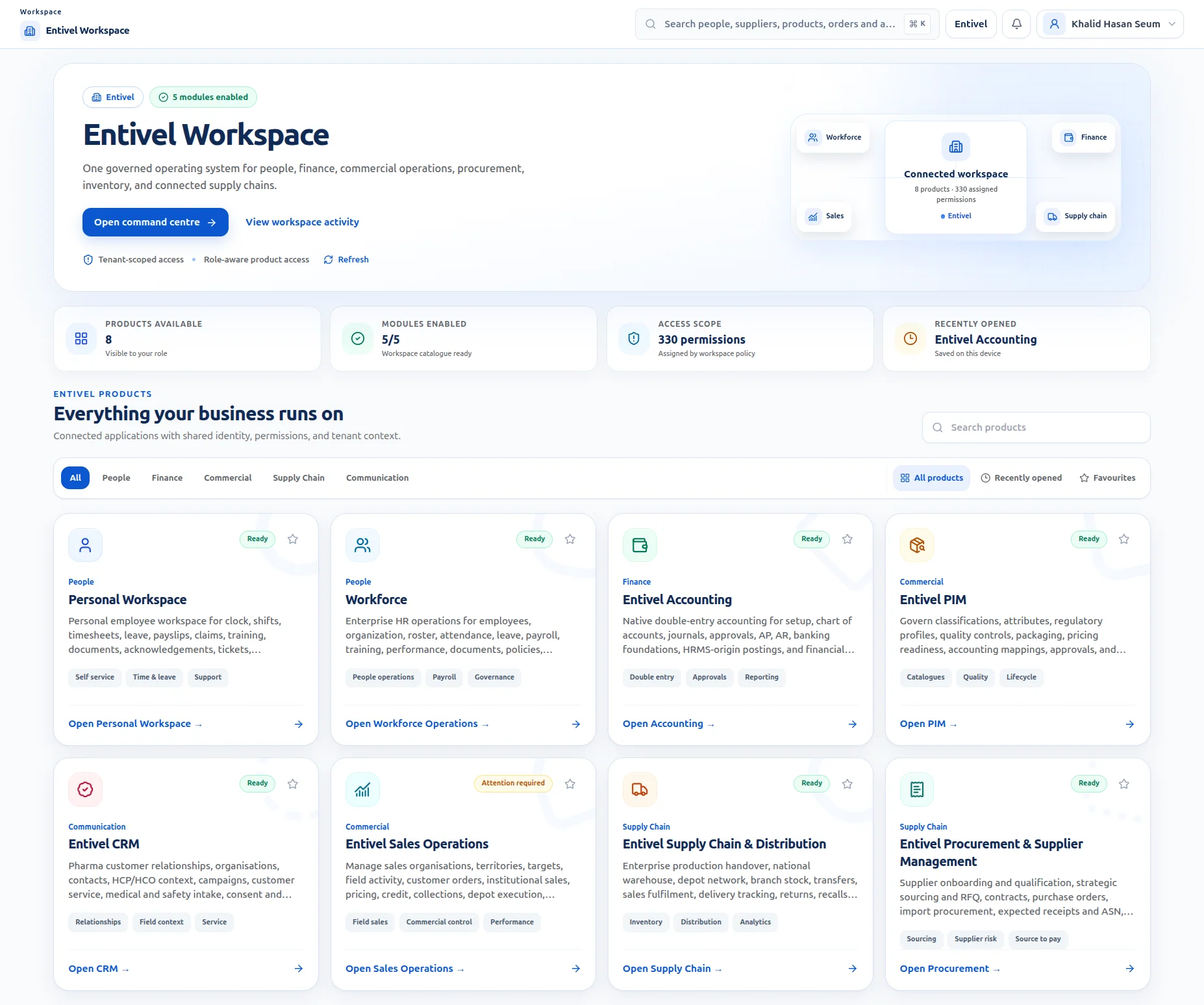
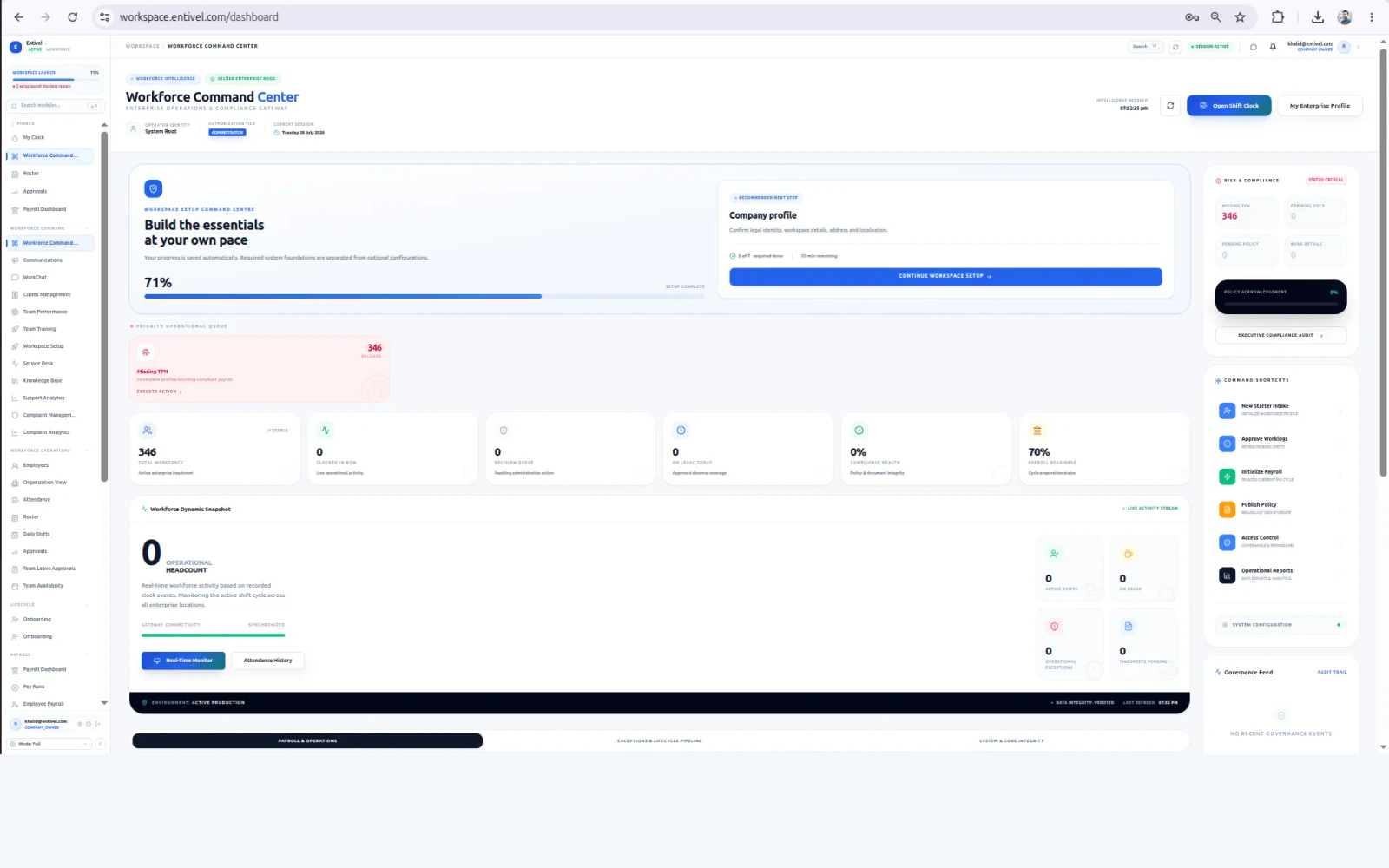
Entivel Workspace
Bring role-based reporting, alerts, approvals, Action Centre, incidents, handovers, users, permissions, workflows, audit logs and tenant configuration together.

Connected capability
The Reporting and Administration domain uses the same identity, permission, approval and audit foundation as the rest of Entivel Workspace. Teams gain specialist capability without creating another disconnected operating model.
Core functionality
Each capability stays connected to the same organisation, locations, roles, approvals, documents, notifications and audit history.
Explore authorised data without losing transaction context.
Connect every signal to responsible work.
Preserve critical operational context between people and shifts.
Configure the enterprise foundation in one controlled environment.
Protect each organisation and high-risk action.
The pressure today
The value created
How the work moves
A domain-specific operating journey keeps ownership, status, exceptions, evidence and the next required action visible from beginning to completion.
Stage 01 of the connected reporting and administration flow.
Stage 02 of the connected reporting and administration flow.
Stage 03 of the connected reporting and administration flow.
Stage 04 of the connected reporting and administration flow.
Product proof
Follow the trigger, responsible role, control, operational action, connected update, exception path and audit evidence inside a real Entivel product context.
A scheduled report, threshold, exception or governance review requires attention.
Analysts, managers, administrators and auditors receive authorised context.
Sensitivity, role, entity and distribution policy determine access and release.
Investigate the result, distribute the view or update the governed configuration.
Actions, notifications and source records remain synchronised with the report.
Missing data, failed schedules and control changes enter administration queues.
Filters, exports, recipients, configuration changes and audit events remain traceable.
Control by design
Connected across Workspace
Frequently asked questions
It brings together approvals, exceptions, missing information, assigned investigations, employee requests, financial decisions, stock discrepancies, quality actions and other work requiring the current user's attention.
Authorised users can be given the ability to filter, compare, save, export and move from a report into the transaction, employee, product, order, location or event behind it.
Access is designed around tenant, user, role, permission, legal entity, branch, location and operational responsibility, with sensitive changes recorded in audit history.
Reporting and Administration
Talk to Entivel about your workflows, locations, roles, controls and implementation priorities.
Talk to Entivel